
Clean and Enrich B2B Lead Lists From a CSV.
Upload a CSV, identify missing contact fields, enrich business records, review results, and export a cleaner list for outreach, CRM cleanup, or sales research.
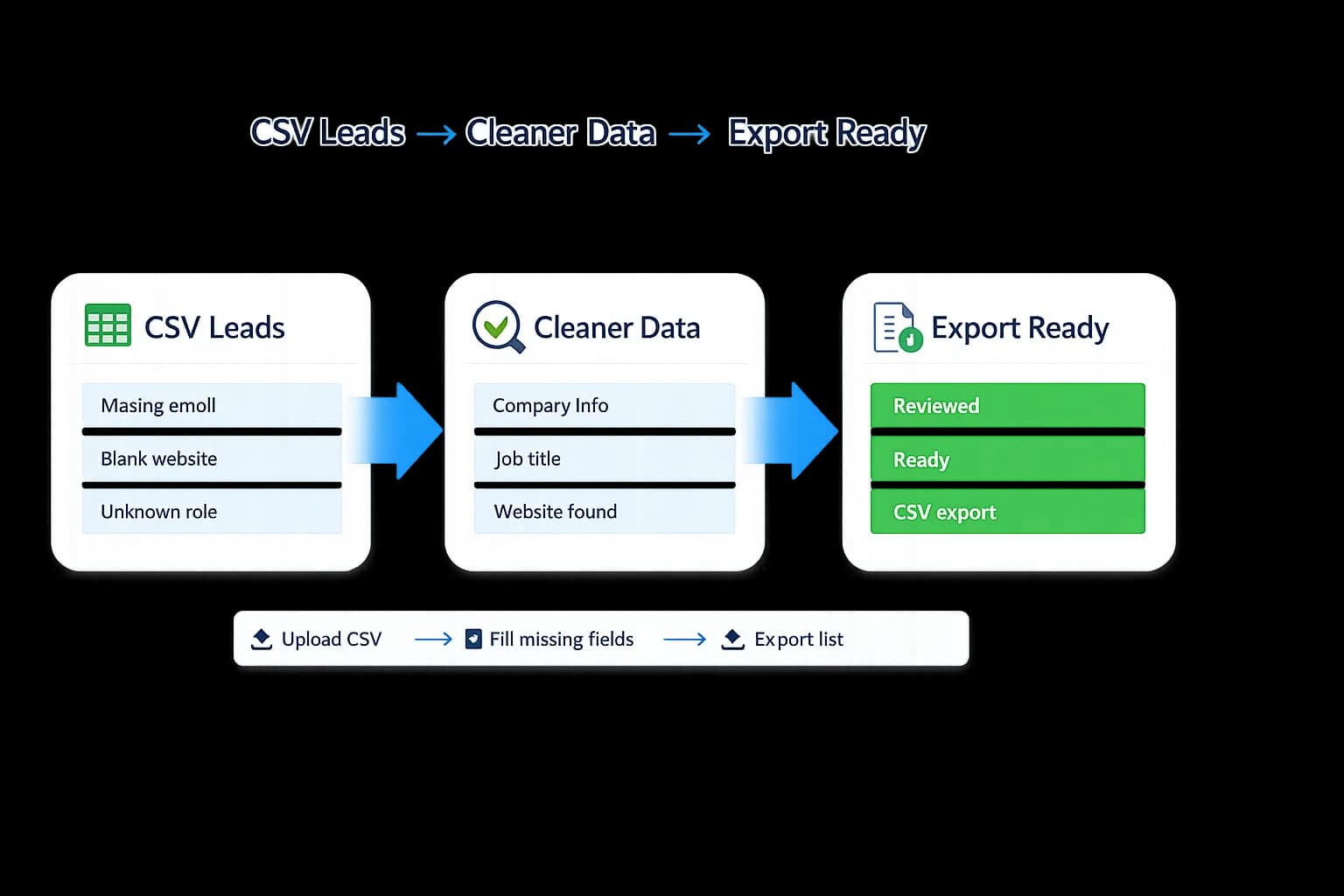
New: turn messy lead CSVs into outreach plans
Upload a CSV, score ICP fit, rank the best leads, and generate safe outreach drafts before exporting your sales-ready file — all with the lead activation copilot.
Messy lead lists slow down every outbound team.
Sales and marketing teams lose hours normalizing columns, checking domains, and deciding which rows are safe enough for outreach. Enterprise databases are expensive, and flexible enrichment tools can be too complex for everyday list work.
Scattered prospect research
Jumping between LinkedIn, Google, company websites, and Crunchbase to piece together a single lead.
Copy-paste cleanup
Hours spent formatting messy spreadsheets, removing duplicates, and standardizing data by hand.
Stale or incomplete contacts
Sending campaigns with missing domains, unclear roles, and contact fields nobody reviewed before launch.
Enterprise pricing shock
Six-figure minimums, annual commitments, and sales call runarounds just to get basic enrichment.
No review layer
Blindly exporting records without any signal about completeness, confidence, or fields that need a human check.
Vendor lock-in
Once you import your data, extracting it cleanly takes weeks of CSV wrangling and manual work.
See what a typical enriched CSV looks like.
If your agency has 500 leads but 40% are missing key fields, LeapDataHQ helps you prioritize cleanup and export a list your sales workflow can actually use.
| Company | Name | Website | Missing Email | Missing Role |
|---|---|---|---|---|
| Acme Corp | Jane D. | acme.com | — | — |
| Beta Inc | Mark S. | betainc.io | — | — |
| Gamma LLC | Lisa K. | gamma.co | — | — |
| Delta Co | Tom R. | delta.co | — | — |
| Company | Name | Work Email | Role | Confidence |
|---|---|---|---|---|
| Acme Corp | Jane D. | jane@acme.com | VP Sales | High |
| Beta Inc | Mark S. | mark@betainc.io | Head of Ops | High |
| Gamma LLC | Lisa K. | lisa@gamma.co | — Needs Review | Medium |
| Delta Co | Tom R. | tom@delta.co | Director | High |
Example data shown for illustration. Actual enrichment results depend on public data availability for each company. LeapDataHQ helps you review confidence signals so your team knows which records are ready to use and which need a manual check before outreach.
From messy prospect research to export-ready records.
Four straightforward steps. No training maze, no onboarding call required to understand the workflow.
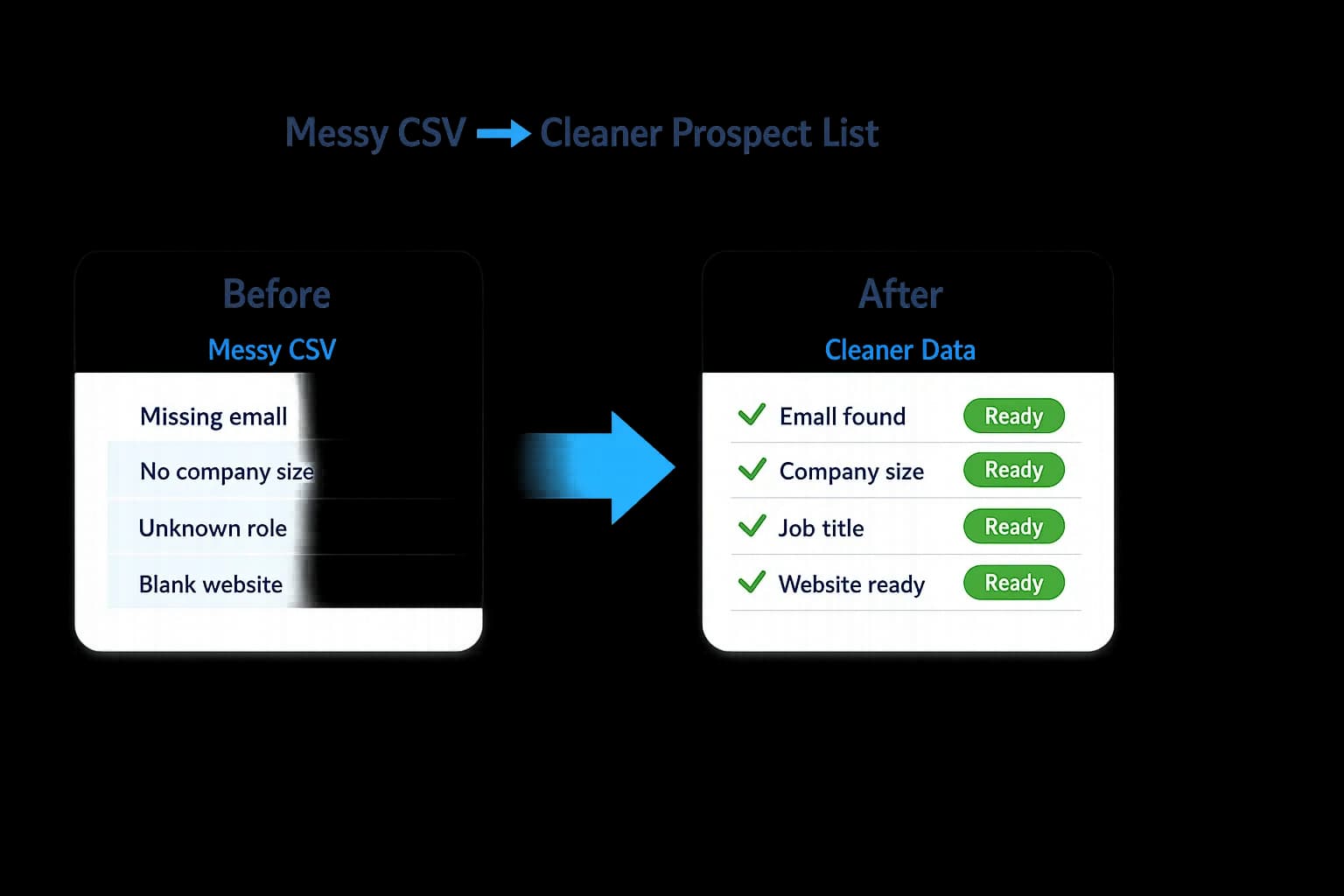
Upload Your CSV
Upload your spreadsheet of company names, domains, or contacts. LeapDataHQ detects your columns and prepares records for enrichment.
Detect Missing Fields
The system scans your data and highlights which rows are missing emails, roles, LinkedIn URLs, or other key contact fields.
Enrich Business Contacts
Missing fields are populated using available public business data — email patterns, job titles, company profiles, and location signals.
Review Confidence
Every enriched record includes a confidence indicator. High-confidence fields are ready to use. Lower-confidence records are flagged for review.
Export Cleaned Data
Download your enriched CSV with original fields preserved. Export-ready lists for CRM import, outreach platforms, or sales workflows.
Every step of the list-cleaning workflow, designed for speed.
Search
Find the right companies in seconds.
Search by company name, domain, URL, industry, or niche. LeapDataHQ surfaces relevant B2B records with contact structure, size signals, and location data built in.
- ✓Company name, domain, or URL search
- ✓Industry and niche filtering
- ✓Location and size signals
- ✓Role-based contact structure
Enrich
Fill in the gaps automatically.
Once a record is found, LeapDataHQ enriches it with decision-maker names, role titles, email formats, and phone data when publicly available.
- ✓Decision-maker identification
- ✓Email format discovery
- ✓Role and title mapping
- ✓Phone number lookup
Review
Know which records need review.
Every enriched record goes through a confidence layer. Missing fields, low-confidence data, and duplicates are flagged before export.
- ✓Completeness scoring
- ✓Confidence indicators
- ✓Duplicate detection
- ✓Needs Review tagging
Export
Send clean data to your sales workflow.
Export clean CSV files or prepare structured records ready for your CRM. No proprietary formats, no data traps.
- ✓CSV export with mapped fields
- ✓HubSpot-ready formatting
- ✓Salesforce and Pipedrive prep
- ✓Airtable-compatible output
Enter a company domain or name
Enrichment results depend on public data availability for each company.
A workspace built for enrichment, review, credits, and exports.
Search, review, and export from a dashboard designed to keep list work moving without hiding confidence gaps.
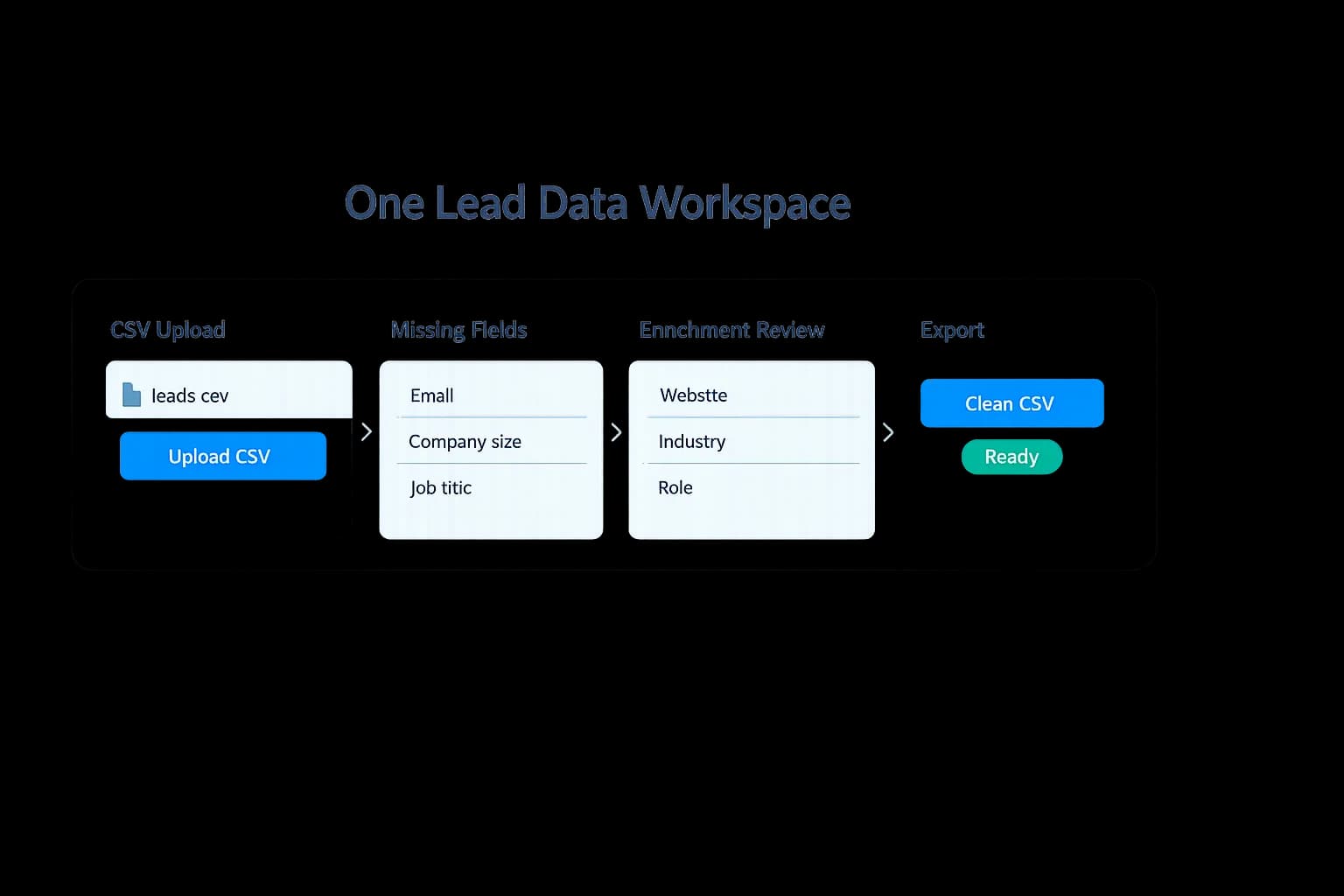
Search
Enter a company domain, URL, or upload a CSV to start enriching.
Enrich
Company profile, industry, location, contacts, and roles are pulled together.
Review
Completeness and confidence gaps are flagged before export.
Export
Download clean CSV files or prepare records for your CRM.
Everything your team needs to clean and enrich lists faster.
No bloated modules. No features you have to pay for but never use. Just the tools that move everyday prospecting and campaign prep forward.
Company Search
Search by company name, domain, URL, or niche to find relevant B2B records with industry, location, and contact signals.
Contact Enrichment
Surface decision-maker names, roles, email formats, and phone data when publicly available — no more guessing who to contact.
Verification Layer
Records are checked for completeness. Risky, missing, or low-confidence fields are flagged before you export.
Bulk Upload
Upload a CSV of domains or company names and enrich up to hundreds of records in a single batch.
CRM-Ready Export
Export clean CSV files or prepare records formatted for HubSpot, Salesforce, Pipedrive, or Airtable.
Usage Credits
Every enrichment costs a transparent number of credits. Your dashboard shows balance, history, and projected usage.
Role Signals
Understand who works at a company — likely decision-maker roles, reporting structure, and contact hierarchy.
Data Normalization
Phone numbers, addresses, and company names are cleaned and standardized automatically during enrichment.
Export History
Every export is logged. Re-download previous files or review what was sent to your CRM from the history view.
Built for teams that need better lists, not bigger contracts.
Agencies
Clean client prospect lists, enrich company records, and export campaign-ready CSVs for niche outbound offers.
Sales teams
Turn account spreadsheets into cleaner working lists before SDRs start calling, emailing, or routing records into a CRM.
Marketing teams
Normalize event, webinar, and campaign lists before segmentation, handoff, or targeted nurture workflows.
Recruiters
Enrich company records and hiring targets before outreach. Know the org structure and likely decision-makers.
B2B Founders
Build focused early-customer lists without buying a huge database or hiring a data operations team.
RevOps Teams
Clean, normalize, and export account data into CRM systems. Reduce manual data work and improve lead quality.
Local Service Prospecting
Find companies in local niches — roofing, HVAC, solar, plumbing — and enrich records for targeted campaigns.
Sales Consultants
Prepare cleaner lead lists for clients and export structured prospect data for outreach workflows.
How LeapDataHQ compares to the alternatives.
| Feature | LeapDataHQ | ZoomInfo | Clay |
|---|---|---|---|
| Recurring commitment required | ✓ No | ✓ Yes | ✓ Yes |
| Transparent credit pricing | ✓ Yes | ✕ No | ~ Partial |
| CSV upload enrichment | ✓ Yes | ✕ Limited | ✓ Yes |
| Confidence and review layer | ✓ Yes | ✕ No | ~ Partial |
| CRM-ready export | ✓ Yes | ✕ Limited | ✓ Yes |
| Sales call required to start | ✓ No | ✓ Yes | ✕ No |
| Built for agencies | ✓ Yes | ✕ No | ~ Partial |
| Starter pack under $50 | ✓ Yes | ✕ No | ✕ No |
Comparison based on publicly available information as of publication date. Features may change.
Use LeapDataHQ for business data cleanup and respectful outreach preparation. Always follow applicable email, privacy, and platform rules.
Transparent credits. No enterprise contract required.
Pay for what you use. Scale up or down as your needs change. No hidden fees, no sales call required.
Starter
100 credits included
For founders and small teams testing outbound lists.
- ✓Company search
- ✓Single-record enrichment
- ✓CSV export
- ✓Confidence indicators
- ✓Email support
Growth
500 credits included
For agencies and outbound teams building weekly lists.
- ✓Everything in Starter
- ✓Bulk upload
- ✓Enrichment history
- ✓CRM-ready exports
- ✓Review-ready field flags
Scale
1,500 credits included
For agencies managing multiple client prospecting workflows.
- ✓Everything in Growth
- ✓Multi-client workspaces
- ✓CRM sync preparation
- ✓Usage reporting
- ✓Priority support
Credits are used when records are enriched. Credit balances are stored in your LeapDataHQ account.
Questions before you enrich your first list?
Is LeapDataHQ a ZoomInfo replacement?
LeapDataHQ is designed as a lean, transparent alternative for teams that need enrichment and export without enterprise contracts.
Does LeapDataHQ own a huge contact database?
LeapDataHQ enriches records using public signals and data sources — not a static, bloated database you are locked into.
Can I upload a CSV?
Yes. Bulk upload lets you enrich lists of company names or domains in batches. Credits are deducted per enriched record.
Can I export to my CRM?
Yes. LeapDataHQ prepares CRM-ready files for HubSpot, Salesforce, Pipedrive, and Airtable with properly mapped fields.
How do credits work?
Credits are used when a record is enriched or verified. Your dashboard shows real-time balance, usage history, and projected usage.
Does every record include an email?
No. Some records may be flagged Needs Review or Missing Data. We are honest about confidence instead of pretending every record is perfect.
Want a deeper walkthrough? Read our blog and resources for CSV cleanup checklists and enrichment guides, or contact us with questions.
Ready to enrich leads without enterprise pricing?
Create your LeapDataHQ account, search your first company, and export cleaner B2B data your sales team can actually use.