
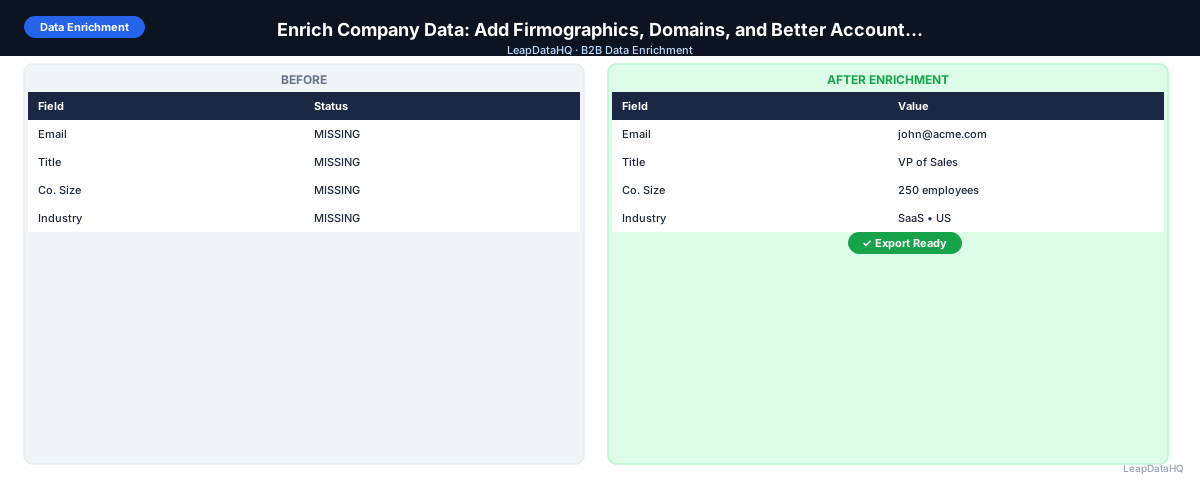
Company data enrichment fills the account-level fields that contact-level enrichment alone doesn't cover: company headcount, revenue range, industry vertical, technology stack, headquarters location, funding status, and the company domain that serves as the primary lookup key for everything else.
These fields matter beyond individual outreach. Company size drives ICP qualification. Industry enables vertical-specific messaging. Revenue range separates enterprise from mid-market from SMB targeting. Without these fields, you can reach contacts but you can't segment, personalize by account type, or build accurate pipeline reporting.
This guide covers how company data enrichment works, which firmographic fields to prioritize, and how to integrate company enrichment into your standard lead list or CRM workflow.
Company enrichment and contact enrichment serve different purposes but work best when run together. Contact enrichment gives you the reach capability. Company enrichment gives you the targeting intelligence. Without both, you risk reaching the right person at the wrong account or the wrong person at the right account.
Why Company Data Enrichment Matters Separately from Contact Enrichment
Contact enrichment fills person-level fields: email, job title, phone number, LinkedIn profile. Company enrichment fills account-level fields: headcount, revenue, industry, domain, funding, technologies used. Both are necessary for a complete B2B record, but they answer different questions.
Contact data tells you how to reach someone. Company data tells you whether their company is the right target. A VP of Sales at a 5-person startup and a VP of Sales at a 500-person company have the same title but completely different buying contexts — you can't address them the same way. Company enrichment is what makes differentiated, account-aware outreach possible.
Key Company Fields to Enrich
- Company domain: the single most important field — it's the lookup key for all other company enrichment and for email address pattern lookup
- Company headcount (employee count): the primary ICP firmographic for most B2B products
- Revenue range: enterprise vs. mid-market vs. SMB segmentation
- Industry (and sub-industry): vertical-specific messaging and targeting
- Headquarters location: geography-based segmentation and territory assignment
- Technology stack: for tools that enrich technology usage (useful for tech-stack-targeted outreach)
- Funding status and round: useful for startups where growth stage affects buying context
- LinkedIn company page URL: for account-based social selling
- Founded year: company maturity context
Step 1: Upload or Import Your CSV
Start with your account or contact list. For company enrichment, the most useful input is a company domain. If you have company names but not domains, you can derive domains through a first-pass enrichment step specifically for domain lookup, then run company enrichment using the returned domains.
Step 2: Detect Which Company Fields Are Missing
Audit the company-level columns in your file. Common gaps: no company domain (only company name), no headcount, no industry, no revenue. Knowing exactly what's missing shapes which enrichment fields to request. If you have headcount but not industry, request industry only — don't re-request fields already populated.
Step 3: Normalize and Clean Company Name and Domain Fields
Before enrichment, clean company names: standardize capitalization, remove common suffixes that vary (Inc, LLC, Corp) if they create inconsistent matches, and remove leading/trailing spaces. Clean domains: strip http://, www., and URL paths. These cleaning steps directly improve match rates.
Ready to enrich your CSV list?
Upload a CSV, fill missing data, review confidence scores, and export clean records.
Upload a CSV — Start EnrichingStep 4: Enrich Company Data
Upload the cleaned file to your enrichment tool. Map the company domain column and request the firmographic fields you need. The tool returns company size, industry, revenue range, and other available fields for each matched company. Companies without matches in the database return empty or low-confidence fields.
Step 5: Review Confidence and Quality
Company-level enrichment is generally more stable than contact-level enrichment — headcount and industry don't change as frequently as an individual's email address or job title. That said, company size can be significantly off for fast-growing or recently downsized companies, and industry classification varies across data providers.
Apply your confidence threshold and spot-check a sample. For high-value accounts, verify company size against LinkedIn company page or the company's own website — the number shown there is typically current and authoritative.
Step 6: Fix Bad Rows
- Remove companies where enriched size is far outside your ICP range
- Remove companies where enriched industry doesn't match your target verticals
- Flag companies where domain enrichment returned a mismatch (domain doesn't look like it belongs to the company name)
- Merge rows where the same company appears multiple times with different contact records — keep the same company data fields consistent across all contacts at the same account
Step 7: Export and Use Enriched Company Data
Export the enriched file. In your CRM or sequencer, use the enriched company fields for segmentation: separate lists by company size range, by industry, by geography. Use enriched company data for account-level scoring and prioritization in your outreach planning.
Company Data Enrichment Checklist
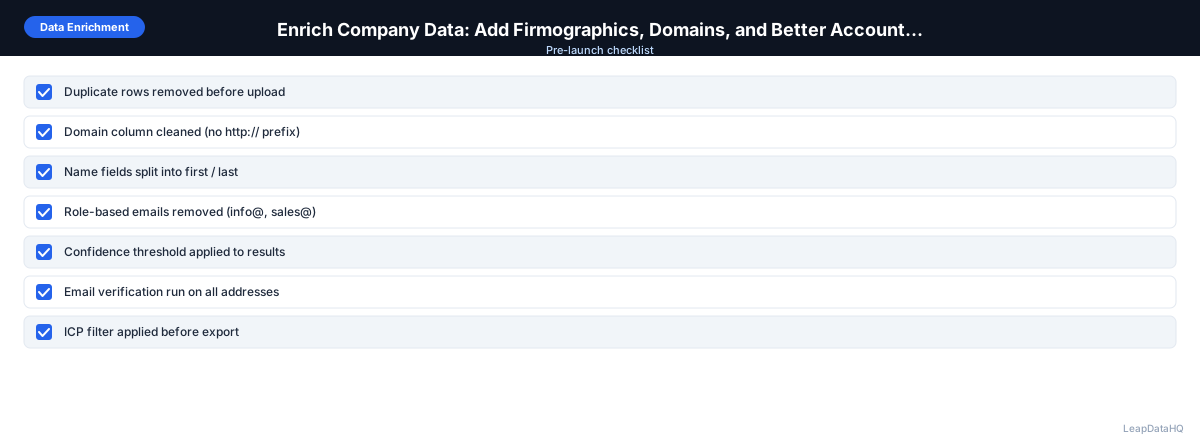
- ☐ Company domain column present and cleaned
- ☐ Company name standardized before enrichment
- ☐ Enrichment requested for missing firmographic fields only (not already-populated ones)
- ☐ Confidence threshold applied
- ☐ Company size verified against ICP target range
- ☐ Industry verified against target verticals
- ☐ Duplicate company records consolidated before export
- ☐ Enriched company fields mapped correctly on CRM import
When to Use LeapDataHQ
LeapDataHQ enriches both contact-level and company-level fields in a single upload. If your lead list has company domains but is missing headcount, industry, or revenue range, upload to LeapDataHQ and request those fields. Review results with confidence indicators and export. See the features page for the full list of supported enrichment fields.
Start Enriching LeadsFrequently Asked Questions
What's more important: contact enrichment or company enrichment?
Both are necessary but for different purposes. Contact enrichment (email, title) is required for outreach to actually happen. Company enrichment (headcount, industry) is required for effective segmentation and ICP qualification. The order typically is: company enrichment to confirm ICP fit, then contact enrichment to find the right people at ICP-qualified companies.
How accurate is enriched company headcount?
Company headcount from enrichment tools is generally accurate within a broad range (1–10, 11–50, 51–200, etc.) but may not reflect very recent changes. Fast-growing companies or companies that recently downsized may have outdated headcount in enrichment databases. For precise headcount, check the company's LinkedIn page — it typically reflects the current employee count more accurately than a third-party enrichment database.
Can I enrich company data without contact data?
Yes. If you have a list of company domains or company names without any contact information, you can still run company enrichment to populate firmographic fields. This is useful for account prioritization — ranking target companies by size, industry, and fit before researching individual contacts.
What's the difference between industry and sub-industry in enrichment?
Industry is the broad category (Software, Financial Services, Healthcare). Sub-industry or sector is the more specific category within that (B2B SaaS, Commercial Banking, Medical Devices). Most enrichment tools provide a top-level industry classification; some also provide sub-industry. More specific classification enables more precise vertical targeting but may have lower coverage.
How do I handle companies that appear multiple times with different contacts?
Group contacts by company domain and ensure the company fields (size, industry, location) are consistent across all rows with the same domain. If the enrichment returned different values for the same company across different rows, pick one (typically the higher-confidence value) and apply it consistently. Inconsistent company data across contacts at the same account creates confusion in CRM reporting.