
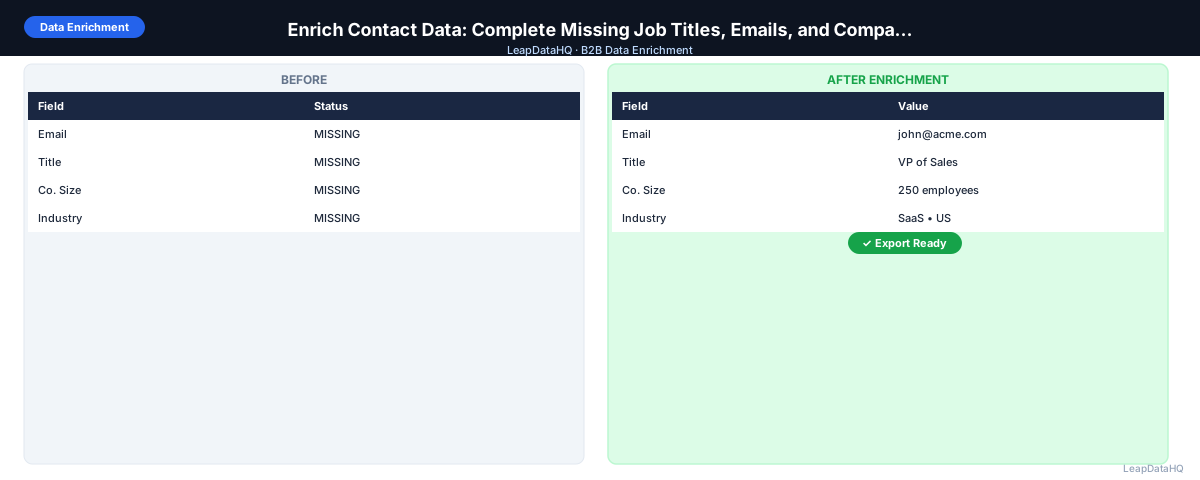
Contact data enrichment is the process of taking a B2B contact record — a person associated with a company — and filling in the fields that are missing. The most commonly missing fields are work email address, job title, and company-level data like headcount and industry. Without these fields, contacts can't be used for outreach, personalization fails, and lead scoring is inaccurate.
Enrichment handles this by querying external data sources for each contact and returning the missing values with confidence indicators. The process is straightforward, but the quality of results depends heavily on the quality of the input data and the review step after enrichment runs.
This guide covers contact data enrichment from input preparation through review and export, with specific guidance on which fields to prioritize and how to evaluate result quality.
The guiding principle is that enrichment quality depends more on how you prepare and review than on which tool you use. A well-prepared input file processed through any reasonable enrichment tool will outperform a poorly prepared file processed through the most expensive tool on the market.
Prioritize enrichment by impact. Email addresses enable outreach, so they come first. Job titles enable personalization, so they come second. Company data enables segmentation, so it comes third. This ordering ensures you get the most value from your enrichment credits on each pass.
The Most Commonly Missing Contact Fields
- Work email address: contacts sourced from LinkedIn, business cards, conference lists, or CRM manual entry often lack confirmed email addresses
- Job title: frequently missing when contacts are added without complete information, or stale when contacts haven't been updated after a role change
- Company domain: essential for email finding and company-level enrichment, often missing when only company name was captured
- Direct phone number: hard to find through manual research, useful for SDR call workflows
- LinkedIn profile URL: needed for social selling and profile-based personalization
- Department: useful for routing and segmentation, often not captured at contact creation
- Seniority level: inferred from title, but useful as a separate field for lead scoring
Why These Gaps Matter for Sales Teams
Missing email addresses mean the contact can't receive email outreach. Missing job titles mean personalization copy can't reference the person's role, and lead scoring can't assess ICP fit. Missing company data means segmentation can't assign the contact to the right campaign. Each missing field is a capability the sales team loses — enrichment restores it.
Step 1: Upload Your Contact List
Start with your contact file. The minimum input for effective contact enrichment is first name, last name, and company domain. Add company name if domain is unavailable. Job title, if present, helps enrich other fields by providing context about the contact's role at the company.
Step 2: Detect Missing Fields by Column
Before enrichment, count what's missing. In a spreadsheet: COUNTBLANK(email column), COUNTBLANK(title column), COUNTBLANK(domain column). Express as percentages of total rows. Fields missing in more than 20% of rows are enrichment priorities. Fields missing in fewer than 5% of rows can be handled manually for the small number of affected contacts.
Step 3: Normalize and Clean Messy Input Fields
Clean the input fields before submitting. Company domain: strip http://, www., trailing slashes. First name: TRIM() to remove spaces, PROPER() for consistent capitalization. Last name: same. Company name: standardize capitalization and common abbreviations. These normalizations improve the enrichment tool's ability to match your records against its database.
Step 4: Enrich Contact Data
Upload the cleaned file to your enrichment tool. Map columns: domain to the domain field, first and last name to respective name fields. Select which output fields to enrich: email, title, department, LinkedIn URL, phone, company size, industry. Submit for processing.
Ready to enrich your CSV list?
Upload a CSV, fill missing data, review confidence scores, and export clean records.
Upload a CSV — Start EnrichingThe tool returns results for each row with confidence scores. Rows where the tool found verified data have high confidence. Rows where the tool inferred data (pattern-based email, title guessed from department) have lower confidence.
Step 5: Review Confidence and Quality
Sort results by confidence score. High-confidence rows are reliable for outreach. Mid-confidence rows need a spot-check. Low-confidence rows should be manually reviewed or excluded.
For the email field specifically, check: does the returned email domain match the company domain? Is it a work email address (not a personal Gmail or Yahoo)? Is the local part of the email consistent with the person's name? These quick sanity checks catch common enrichment errors before they become campaign bounces.
Step 6: Fix Duplicates and Bad Rows
After applying your confidence threshold, fix remaining issues: remove role-based emails, remove contacts where enriched title doesn't match expected ICP level, and flag any contacts where the enriched company data conflicts with what you know about the account. Consolidate duplicate rows — the same contact appearing twice with different data sources.
Step 7: Export Clean, Enriched Contact Data
Export the final file with all original columns plus enriched columns. Include confidence score as a column for downstream context. Separate high-confidence from catch-all domain contacts if you plan to treat them differently in outreach.
Step 8: Use for Outreach or CRM Updates
For outreach: run email verification before sending. For CRM: import in update mode matched by contact ID. After import, update your lead scoring model to use the newly available enriched fields (title, seniority, company size). These fields improve scoring accuracy for the contacts that now have them.
Contact Data Enrichment Checklist
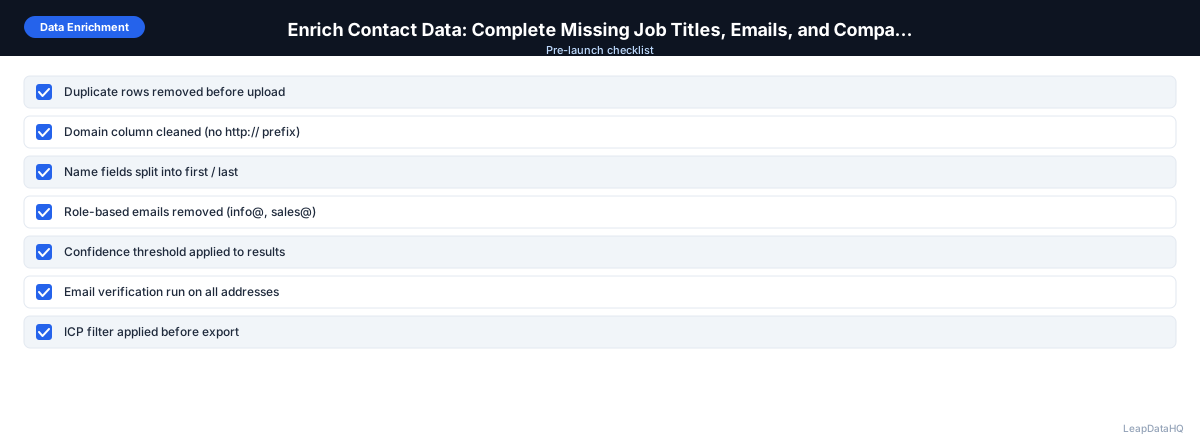
- ☐ Input has first name, last name, and company domain for each contact
- ☐ Domain column cleaned before upload
- ☐ Name fields normalized (TRIM, PROPER)
- ☐ Enrichment fields selected match actual gaps
- ☐ Confidence threshold applied to results
- ☐ Email domain sanity check passed (domain matches company)
- ☐ Non-work emails removed (personal Gmail, etc.)
- ☐ Role-based emails removed
- ☐ ICP title filter applied
- ☐ Email verification run on all enriched email addresses
- ☐ File exported with date, confidence column, and verification status
When to Use LeapDataHQ
LeapDataHQ enriches contact data from a CSV upload — email addresses, job titles, and company fields in a single pass. Upload your contact list, map the columns, select the fields you need, review results with confidence scores, and export. It works whether you're enriching 50 records for a targeted campaign or 2,000 records for a full CRM gap-fill pass.
Start Enriching LeadsFrequently Asked Questions
What input fields produce the best contact enrichment results?
The combination of company domain plus first name plus last name produces the best match rates. Company domain is the primary key for email pattern lookup. Name fields narrow the match within the domain. Without domain, enrichment tools fall back to company name matching, which is less accurate. Without name, they can only return company-level data, not individual contact fields.
Can I enrich contacts without a domain if I only have company names?
Yes, but match rates are lower. Company names can be ambiguous — many companies share similar names, and names don't match database entries as cleanly as domains do. A practical workaround: run a first enrichment pass to get company domains from company names, then run a second pass for contact-level enrichment using the returned domains.
How should I handle contacts that don't get matched in enrichment?
Keep unmatched contacts in a separate segment. For high-priority contacts, try manual research (LinkedIn, company website email pattern). For lower-priority contacts, hold in a future enrichment queue and try again with a different tool or after the database updates. Don't delete unmatched contacts — you may be able to reach them through alternative channels even without email.
Is it worth enriching contacts who already have all their fields?
It depends on data age. If the contact was enriched less than three months ago and the data looks current, re-enrichment adds little value. If the contact's data is more than six months old — especially email and title — a re-enrichment pass catches job changes and updated contact information that the original enrichment didn't have.
What's the typical match rate for contact data enrichment?
Match rates vary by list quality, industry, and tool. Well-formatted lists of contacts at mid-size B2B companies typically see 60–80% match rates on email fields. Smaller companies, unusual industries, or contacts in less-covered geographies see lower rates. No enrichment tool has 100% coverage — plan for a segment of unmatched records in every batch.